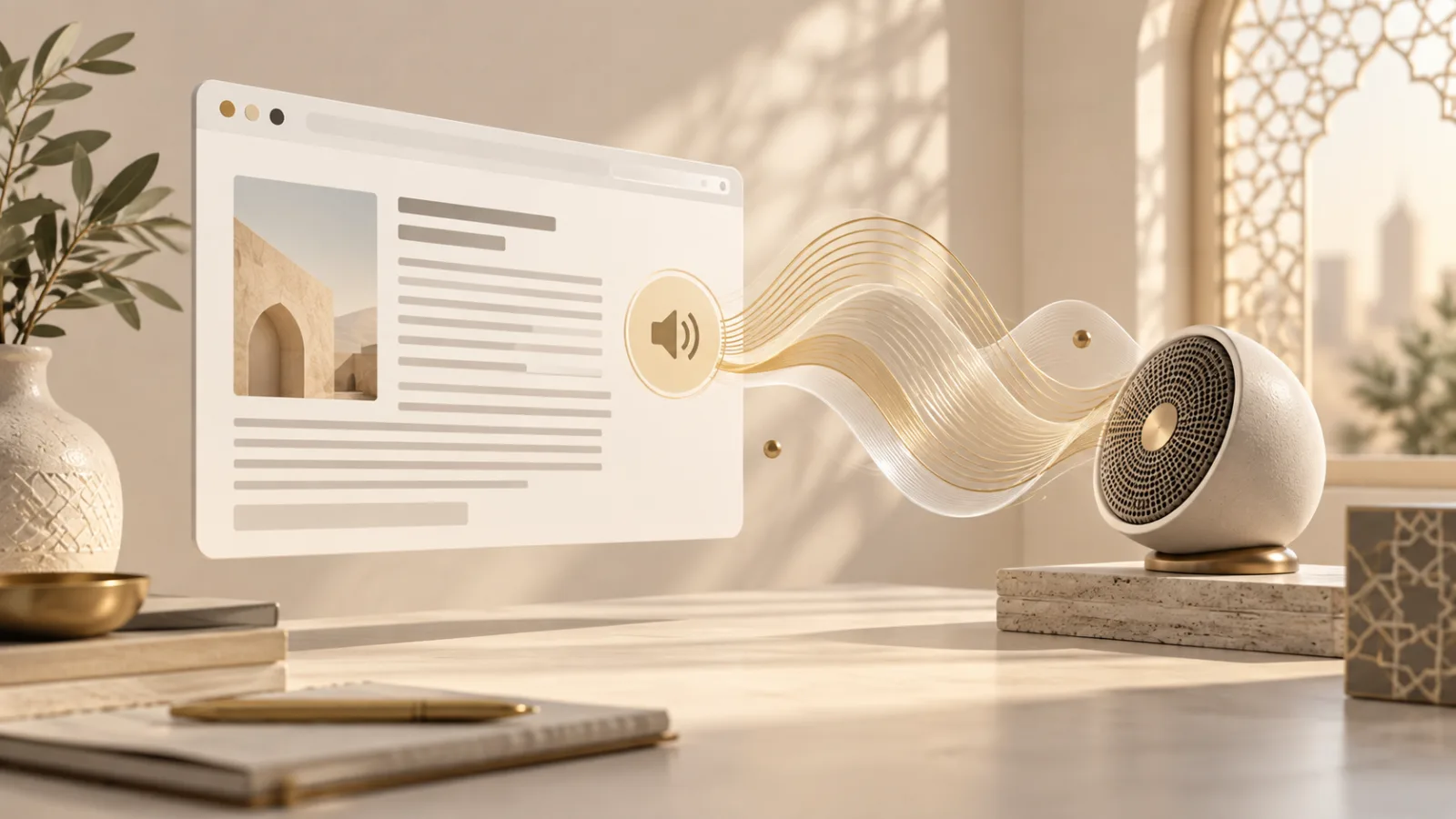
A webpage can read an article aloud without uploading a recording or embedding an audio player. Browser speech synthesis takes text, selects an available voice, and asks a speech service to speak it. The feature supports accessibility, language learning, proofreading, and hands-busy tasks.
It also deserves care. Spoken output can surprise people, expose private text to a room, or depend on a voice service whose processing location is not obvious.
Browser speech synthesis turns text into audio
The Web Speech API has two distinct halves: recognition turns speech into text, while synthesis turns text into speech. This article focuses on synthesis. It does not open the microphone.
A page creates a SpeechSynthesisUtterance, supplies text, and can set a language, voice, pitch, rate, and volume. Calling speechSynthesis.speak() places that utterance in a queue. The browser or operating system then produces the audio.
MDN describes SpeechSynthesis as widely available. Its basic controls have worked across major browsers for years, although voice lists and behaviour differ between platforms.
Speech synthesis is not speech recognition
The distinction matters for permissions and privacy. Speech recognition needs an audio source and may involve a microphone permission or a remote recognition service. Speech synthesis starts with text the page already has and produces sound.
A “read aloud” button therefore does not automatically mean the site is listening. Check the browser’s microphone indicator if you are unsure. Our guide to browser speech recognition covers the separate question of where spoken input may go.
Synthesis still handles potentially sensitive material. A page might ask the browser to speak a private message, account balance, health result, or one-time code. The absence of microphone access does not make every use appropriate.
The available voice list can vary by device
The getVoices() method returns voices known to the current speech system. Their names, languages, and defaults depend on the browser, operating system, installed language packs, and sometimes network services.
That variation creates a small device signal. A long or unusual combination of installed voices may contribute to fingerprinting when combined with fonts, screen details, and other characteristics. Voice availability alone is rarely decisive, but privacy risk often comes from accumulation.
Developers should not collect voice inventories for analytics. Use the list to populate a local chooser, store only the user’s selected preference when necessary, and recover gracefully if that voice disappears on another machine.
Local and remote voices need honest labels
The Web Speech specification allows voices to be local or remote. A local voice can synthesize through software installed on the device. A remote voice may send the utterance to a network service for processing.
The interface exposes a localService flag on voice objects, but implementation details still vary. A responsible product should avoid promising offline or on-device processing unless it has tested the exact platform path.
This is especially important for private text. If an application offers cloud voices, explain that choice before speaking the content. Prefer a local voice by default when privacy is central, and never send document text to an additional analytics endpoint simply because it is being read aloud.
Unexpected audio is an attention problem
Autoplaying speech can be more disruptive than autoplaying video. It crosses headphones, shared offices, classrooms, and family spaces. It may also reveal the page being viewed to anyone nearby.
Speech should begin after a clear user action. The interface needs visible pause, resume, and stop controls. If the user leaves the page or starts another item, the application should cancel stale utterances rather than letting a hidden queue continue.
The browser’s synthesis controller reports whether speech is pending, speaking, or paused. Use those states to keep controls accurate. Our article on Web Audio and privacy explains a broader audio system, but the same design principle applies: sound should never feel detached from the action that caused it.
Accessibility requires more than a play button
Text-to-speech can help people with low vision, dyslexia, fatigue, or temporary reading constraints. Yet a custom reader does not replace semantic HTML, screen-reader support, captions, or selectable text.
Let users choose rate and voice without forcing them through a complicated settings panel. Highlighting the current sentence can help orientation, but it should not cause the page to jump unpredictably. Preserve keyboard access and visible focus around every control.
Pronunciation also varies. Names, technical terms, Arabic transliterations, and mixed-language passages may sound wrong in a voice trained for another language. Set the utterance language carefully and allow the reader to switch voices rather than assuming one default works everywhere.
Developers should design for an unreliable queue
Speech events can arrive differently across browsers. Voice lists may load asynchronously. Long passages may pause or fail, and mobile platforms can suspend background speech.
Break long documents into meaningful sections. Queue one manageable unit at a time, respond to completion and error events, and keep the visible reading position independent from the audio engine. The Web Speech API specification documents the synthesis interfaces and events developers can use.
Most importantly, cancellation should be immediate. A stop button that merely hides the player while the device keeps speaking is not a stop button.
How to use read-aloud features deliberately
Before reading sensitive text, check who can hear the device and whether headphones are connected. Choose a local voice when the interface identifies one, and stop playback before switching contexts.
For developers, the rule is simple: speak only after a clear request, expose honest controls, minimize voice-list collection, and explain any remote processing. Browser speech synthesis can make the web easier to use without turning every page into another source of unsolicited noise.
Browse with more intention
Noorani brings prayer times, Qibla, tracker blocking, and privacy into one calm desktop browser built for how Muslims live online.