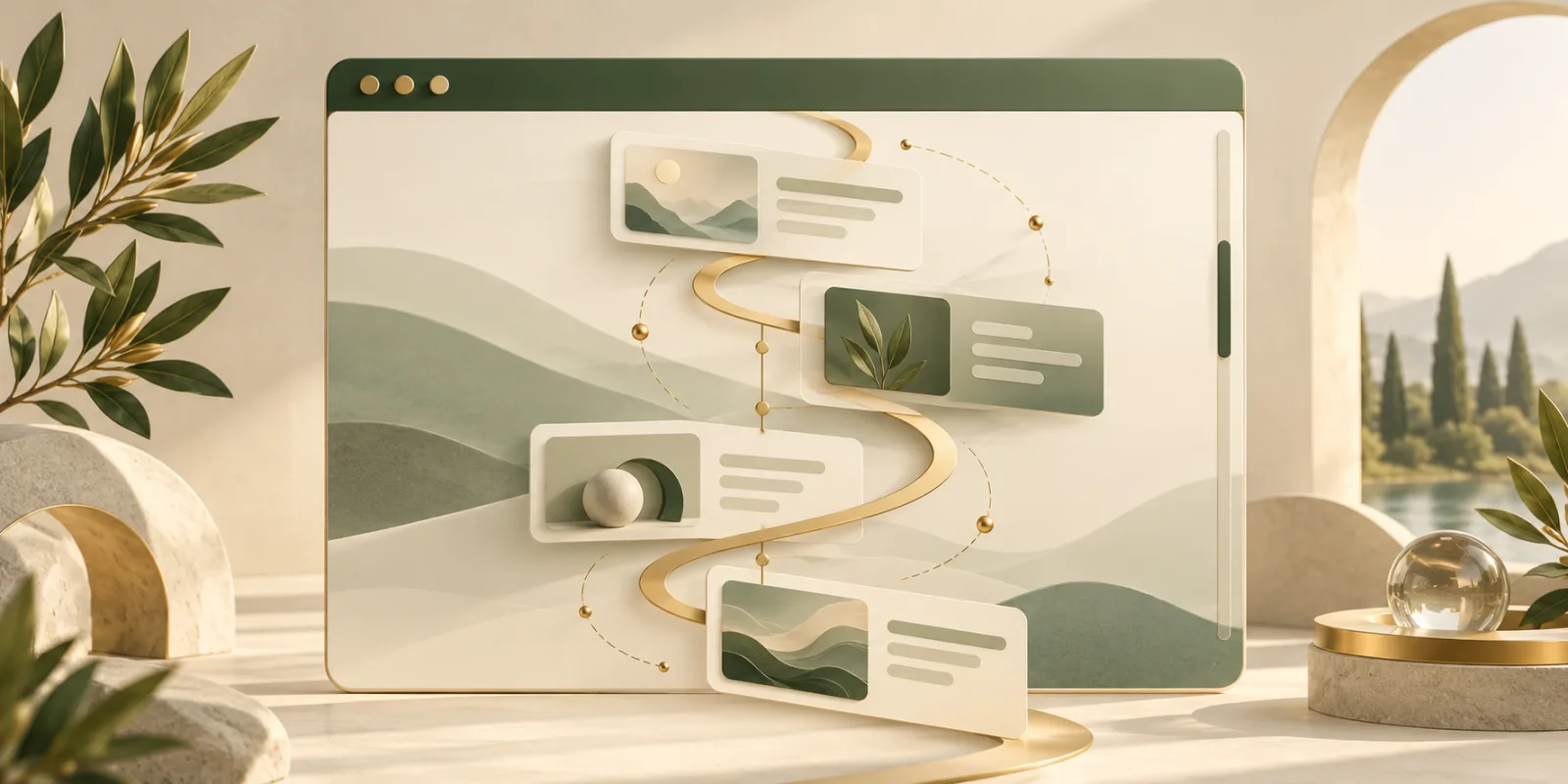
Modern websites often connect motion to scrolling. A reading-progress bar fills as an article advances, an illustration reveals itself as it enters the viewport, or a product diagram changes while the reader moves through a section. For years, developers usually built these effects with JavaScript scroll listeners. CSS Scroll-Driven Animations offer a more direct model: the browser can connect animation progress to scrolling itself.
This is not just a visual novelty. It changes who coordinates the work. Instead of JavaScript repeatedly measuring scroll position and updating styles, CSS can describe the relationship declaratively. That can make an experience easier to reason about and reduce the risk of slow, jumpy motion.
What makes an animation scroll-driven?
A conventional CSS animation runs on a document timeline. Time passes, the playhead moves from the first keyframe to the last, and properties change along the way. A scroll-driven animation replaces that clock with a scroll-based timeline. Moving through a page or scroll container moves the animation forward; scrolling back reverses it.
The MDN guide to CSS scroll-driven animations describes two principal timeline types. A scroll-progress timeline maps an entire scroll range from start to finish. A view-progress timeline maps the journey of an element through a scrollport. These cover different jobs: the first suits progress indicators, while the second suits entrance, emphasis, and reveal effects.
Scroll progress and view progress
Imagine a long article with a thin line at the top. When the reader is halfway down, the line is halfway filled. That is a scroll-progress animation. CSS can use the scroll() function or a named scroll timeline to connect the line's transform to the nearest scroller.
A view-progress animation follows one element instead. Its timeline begins as the element enters the visible area and advances as it crosses that area. The view() function creates an anonymous view timeline, while named view timelines give more control when the animated element and the observed element are different.
This distinction matters. A page-wide reading indicator should not depend on one card's visibility, and a card reveal should not be tied to the total length of the document. Choosing the timeline that represents the user's actual progress keeps motion predictable.
Why this can outperform scroll listeners
JavaScript can certainly create excellent scroll effects, but a naive implementation may run code for every scroll update, read layout information, and write new styles in the same frame. That pattern can force extra layout work or compete with other activity on the main thread. The Chrome developers' introduction to scroll-driven animations explains how the CSS model keeps the animation tied to a browser-managed timeline.
Declarative motion is not automatically fast. Animating layout-heavy properties can still be expensive, and a page overloaded with effects can still feel distracting. Transform and opacity are generally safer starting points. Teams should also measure real pages with tools such as the PerformanceObserver API instead of assuming that a new syntax guarantees smoothness.
A small mental model for implementation
The workflow has three parts. First, define ordinary keyframes. Second, select the scroll or view timeline that should drive them. Third, decide which portion of that timeline should map to the animation. The animation-timeline property makes the connection, while animation-range can narrow the active portion.
For a reveal, a team might fade and translate a card while it moves from the edge of the viewport toward the center. For a reading indicator, the same keyframe system can scale a bar from zero to full width across the root scroll range. Because the browser owns the progress calculation, the effect naturally pauses when the user stops scrolling and moves backward when they reverse direction.
Accessibility still comes first
Motion can communicate hierarchy and progress, but it can also cause discomfort. Scroll-linked effects are especially sensitive because the user is controlling the motion directly. Respect prefers-reduced-motion, and provide a calm alternative that preserves all information. A reduced-motion rule can remove transforms, use a simple opacity change, or show the final state without animation.
Content must never require an effect to become understandable. Text should remain readable, controls should remain reachable, and focus should not jump. Test keyboard navigation and zoom as carefully as pointer scrolling. The goal is to support the reader, not to reward the browser for displaying more movement.
Progressive enhancement and browser support
Because support can vary by feature and browser version, use @supports to detect the properties you rely on. Start with a complete static design, then add the scroll-linked layer for capable browsers. This keeps the page useful even when the effect is unavailable.
Some older patterns still have a role. The Intersection Observer API is useful when a visibility change must trigger application logic, lazy loading, or analytics rather than purely visual progress. The Web Animations API offers imperative control when a sequence depends on complex application state. CSS scroll timelines are strongest when the relationship is fundamentally visual and directly tied to scrolling.
Use motion to explain, not interrupt
The best scroll-driven animation often goes almost unnoticed. A progress bar answers “how much remains?” A diagram reveals its next layer when the explanation reaches it. A subtle transition shows that two ideas belong together. Effects that delay reading, trap scrolling, or move large areas unpredictably usually work against the user.
CSS Scroll-Driven Animations give developers a cleaner vocabulary for a familiar interaction. Used with restraint, progressive enhancement, and reduced-motion support, they can make pages feel responsive without placing another continuous job on JavaScript.
Browse with more intention
Noorani brings prayer times, Qibla, tracker blocking, and privacy into one calm desktop browser built for how Muslims live online.