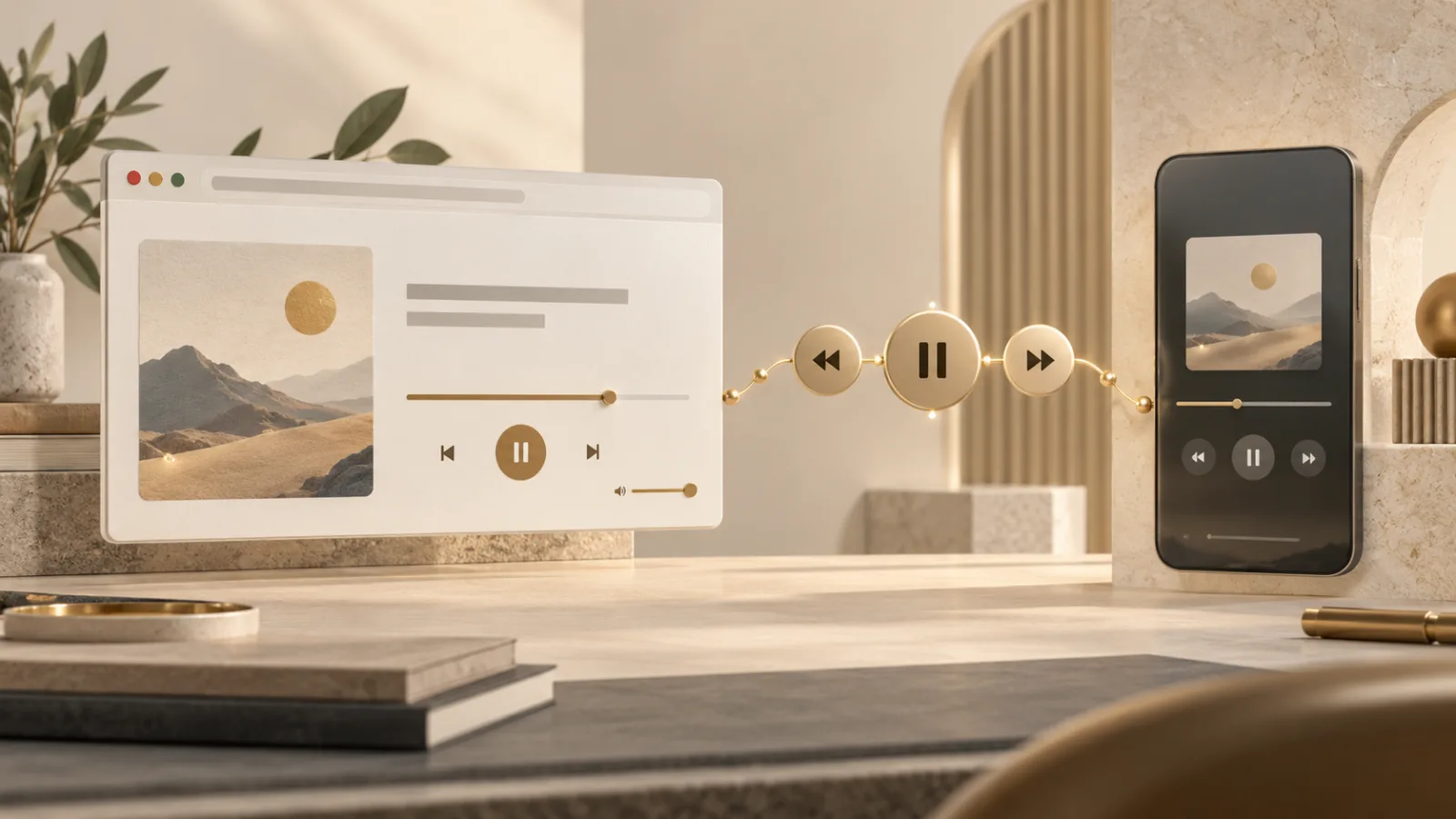
Press the play key on a keyboard while a podcast is running in a browser and the page may pause instantly. Lock a phone and the episode title, artwork, and seek controls can remain visible. That connection between web playback and system controls comes from the Media Session API.
The feature makes web media feel native. It also moves page-supplied information beyond the tab, so accurate metadata, predictable controls, and clean session endings matter.
Media Session API connects playback to the system
The Media Session API lets a webpage describe what it is playing and respond to standard media actions. A site can supply a title, artist, album, and artwork, then register handlers for play, pause, seek, skip, stop, and related commands.
The browser can present that information through operating-system surfaces such as a lock screen, notification area, headset button, keyboard media key, or car interface. MDN describes navigator.mediaSession as the entry point for sharing playback state with those controls.
This is not a second audio engine. The page still plays its audio or video through ordinary media elements or other web audio tools. Media Session gives the browser a consistent description of that playback and a route back to the page when the user presses a control.
Metadata can leave the browser tab
A media title may look harmless inside a player. Once sent to system UI, it can appear on a lock screen, in a notification, on a paired watch, or on a vehicle display. The context becomes more public than the tab itself.
Developers should publish only the metadata needed to identify the current item. Do not place account names, private playlist labels, listening history, or internal identifiers in a title field. Artwork URLs should point to an image intended for display outside the page.
Users should assume that the current title may be visible whenever system media controls are active. If a recording is sensitive, pause it before locking or sharing the device. Clearing the queue or closing the tab should also clear stale metadata.
Hardware controls call page-defined actions
The setActionHandler() method lets a page respond to actions such as play, pause, previous track, next track, seek backward, seek forward, and stop. The browser decides which actions the current platform can expose.
A custom handler should do exactly what its icon promises. A pause button must pause. A stop action should end playback and update the session state. Skip controls should not jump to a sponsor page or start an unrelated item.
MDN's action-handler reference documents the supported action names and notes that availability varies. Sites should register only handlers they genuinely support and remove them when the player is no longer active.
Playback position needs honest state
A system scrubber is useful only when its duration, position, and playback rate match the media. The API's position state lets a page report those values so an operating-system interface can display progress and support seeking.
Incorrect state creates more than a cosmetic bug. A user may seek to a private section while believing playback is paused, or resume from a position the page failed to update. Keep state synchronized after buffering, track changes, live-stream transitions, and playback-rate adjustments.
Live audio needs different treatment from a fixed recording. If a duration or seek range is not meaningful, do not fabricate one. A simple play-and-pause surface is better than a precise-looking control that lies.
One active session should win clearly
Several tabs can contain playable media, but the operating system needs one current target for global controls. Browsers use playback activity and other signals to decide which session receives the command.
Pages should not fight for that position. Do not keep a silent or paused player marked active merely to occupy system controls. When playback ends, set an appropriate state, clear metadata where practical, and release handlers that no longer apply.
This boundary complements the behaviour covered in our guide to the Page Visibility API. A background tab can remain functional, but it should be honest about whether it is still the user's active media experience.
Media Session does not grant new capture access
Displaying a song title or receiving a pause command does not grant camera, microphone, or screen-sharing permission. Those capabilities have separate browser protections and user indicators.
The evolving interface includes actions relevant to calls and presentations, but a media-session handler does not bypass capture permission. Our guides to browser camera permissions and screen sharing explain those boundaries.
Developers should keep the distinction visible. A mute control can request a state change inside an existing call; it cannot silently begin recording. System UI should reflect the application's real state, not create the appearance of protection that the page ignores.
Support varies across devices and actions
The overall API is useful across many modern browsers, but individual actions and surfaces differ. A desktop may expose keyboard keys, while a phone shows a rich lock-screen card. Some handlers may throw or never appear on a given platform.
Feature-detect navigator.mediaSession, register handlers defensively, and preserve ordinary in-page controls. The player must remain usable when system integration is missing. Our article on Remote Playback covers a separate handoff where media moves to another device rather than staying under local system controls.
How to keep media controls trustworthy
For users, check the title shown by the operating system before pressing a global media key, especially when several tabs are open. Pause sensitive media before locking or sharing the device, and close abandoned players that keep stale controls alive.
For developers, publish minimal metadata, keep position accurate, honour every action literally, and relinquish the session when playback ends. The Media Session API works best when the system control feels like a faithful extension of the visible player—not a second interface with different rules.
Browse with more intention
Noorani brings prayer times, Qibla, tracker blocking, and privacy into one calm desktop browser built for how Muslims live online.