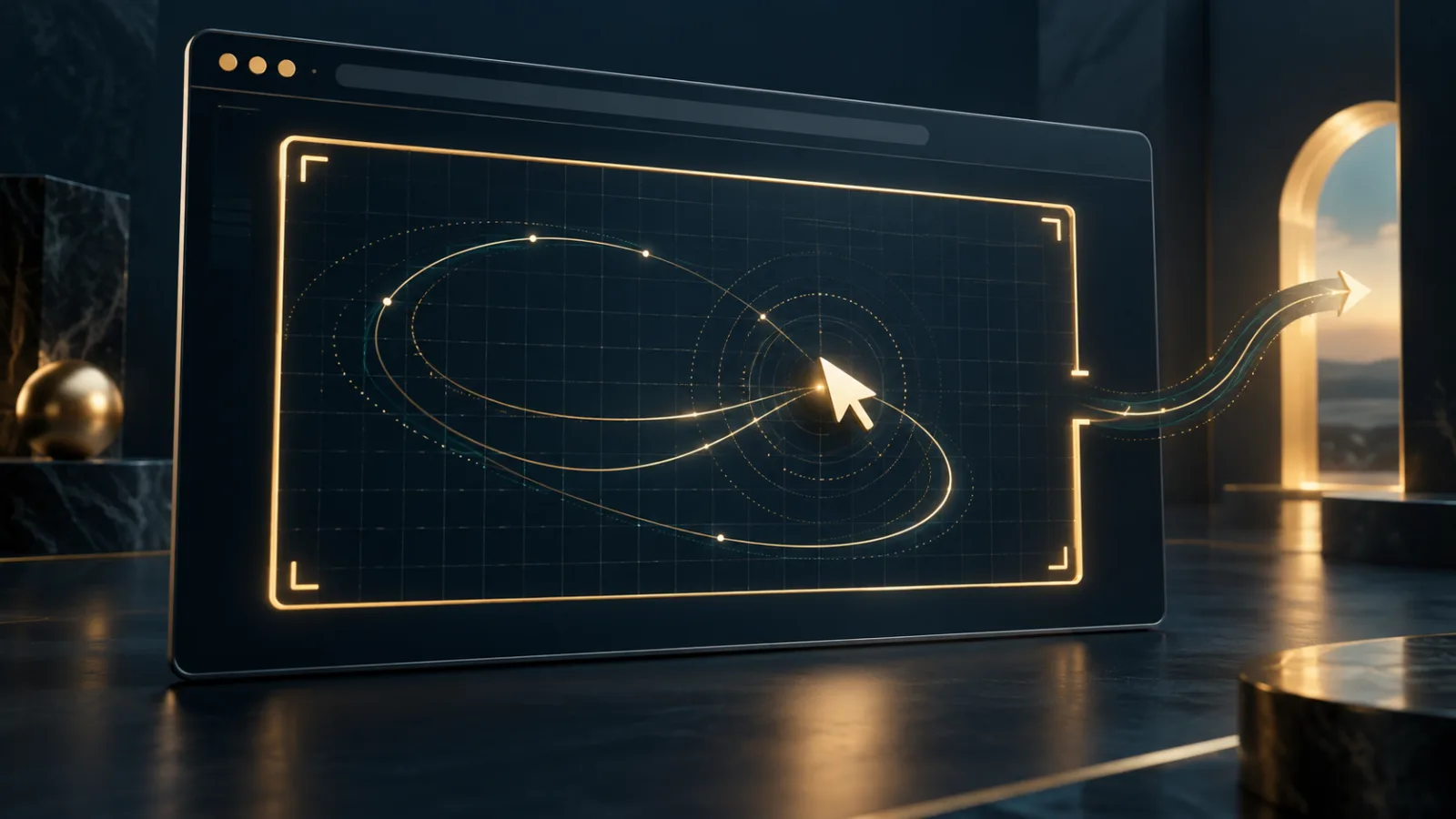
A mouse cursor usually marks a clear boundary between you and a webpage. It moves across the screen, stops at the edge of a window, and remains visible so you can see where the next click will land. The Pointer Lock API temporarily changes that relationship. It lets an approved page hide the cursor and receive continuing mouse movement—even when a physical movement would otherwise carry the pointer beyond the browser window.
That behavior is essential for first-person games, 3D design tools, maps, and other experiences that need uninterrupted directional control. It can also feel disorienting when it happens unexpectedly. The important distinction is that pointer lock is not silent surveillance of every cursor position. It is a focused input mode with visible browser safeguards and a user-controlled way out.
Pointer Lock API turns position into movement
On an ordinary page, a mouse event can report where the cursor sits on the screen. Pointer lock instead emphasizes relative movement: how far the mouse moved horizontally or vertically since the previous event. The MDN overview of the Pointer Lock API describes this as access to movement deltas rather than a conventional cursor position.
Once a selected element receives the lock, it continues receiving mouse events while the cursor is hidden. Movement no longer stops at the edge of the browser or display. A player can keep turning a camera, or a designer can rotate a model, without repeatedly lifting and repositioning the mouse.
This is different from pointer capture. Capture is commonly used during a drag and ends when the mouse button is released. Pointer lock can persist without a button being held. It remains active until the page releases it, focus changes, or the user invokes the browser's exit gesture.
Why a website would request pointer lock
The strongest use cases are easy to recognize. A 3D game needs to translate small movements into changes in viewing direction. A computer-aided design tool may let someone orbit continuously around an object. A detailed map or virtual scene may use the same mechanism for smooth navigation.
In those situations, pointer lock is not primarily about collecting coordinates. It is about removing the artificial boundary created by the edge of the screen. The W3C Pointer Lock 2.0 specification defines the locked state as one in which a single element receives mouse events and the cursor is hidden.
A normal article, checkout page, or simple form rarely needs this degree of control. Context matters. If a site asks for pointer lock when the feature has no obvious purpose, it is reasonable to decline or leave the page.
User activation and the escape route
Browsers do not treat pointer lock as an invisible background capability. A request is generally tied to a user action such as clicking a game canvas or an “enter” control. Browsers also communicate that the pointer has been locked and explain how to leave the mode.
The Escape key is the familiar release gesture. Changing tabs, switching windows, or otherwise causing the page to lose focus also exits the locked state under the current specification. These rules prevent a page from permanently trapping normal mouse control.
The safeguards resemble those used for fullscreen mode, where the browser must preserve an unmistakable way back to ordinary navigation. Pointer lock is also closely related to the Keyboard Lock API, which handles a different class of input and carries its own escape expectations.
What raw mouse movement can reveal
Most mouse input is affected by operating-system acceleration. The distance reported can vary with movement speed and personal settings. Pointer Lock 2.0 includes an unadjustedMovement option that applications can request when they need more direct, unaccelerated input. Competitive games and precise modeling tools may benefit from it.
Raw movement deserves care because fine-grained input patterns may be more distinctive than ordinary clicks. Timing, speed, direction changes, and device characteristics can contribute to behavioral or hardware inferences when collected at scale. A single session is not automatically a fingerprint, but unnecessarily retaining detailed motion data creates avoidable privacy risk.
Responsible sites should request the mode only when needed, explain why, release it when the experience ends, and avoid storing movement histories that do not serve the user. Permission design works best when the reason for a request is clear before the browser changes how input behaves. Our practical guide to browser permissions offers a broader framework for judging such requests.
How to use pointer lock safely
Before accepting, ask whether the page is providing a game, immersive viewer, or precision tool that genuinely benefits from continuous movement. Look for a clearly labeled entry control and instructions that mention Escape. Avoid granting the mode to unfamiliar pages that pair it with misleading full-screen prompts or imitate browser chrome.
Once locked, stay alert to the browser's own notification rather than trusting instructions drawn inside the webpage. If the page becomes confusing, press Escape. If that does not immediately restore normal interaction, change tabs or close the page. Do not keep interacting with a site that obscures the exit path.
Developers should design for accessibility as well. Keyboard alternatives, sensitivity controls, reduced-motion options, and a visible in-page exit control make immersive tools easier to use without weakening the browser's native escape mechanism.
A calmer approach to powerful web features
Pointer lock is a good example of a browser capability that is neither inherently dangerous nor appropriate everywhere. It solves a real interaction problem, but it temporarily changes one of the most familiar parts of desktop computing. Good browsers make that transition explicit, reversible, and limited to the page that earned the user's attention.
Noorani is built around the same principle of intentional control. It combines tracker blocking with privacy-conscious browsing, while keeping prayer times, Qibla direction, the Hijri calendar, and offline Quran access close at hand. The aim is not to make useful web technology disappear. It is to help you understand when the web is asking for more control—and to keep the final choice with you.
Browse with more intention
Noorani brings prayer times, Qibla, tracker blocking, and privacy into one calm desktop browser built for how Muslims live online.