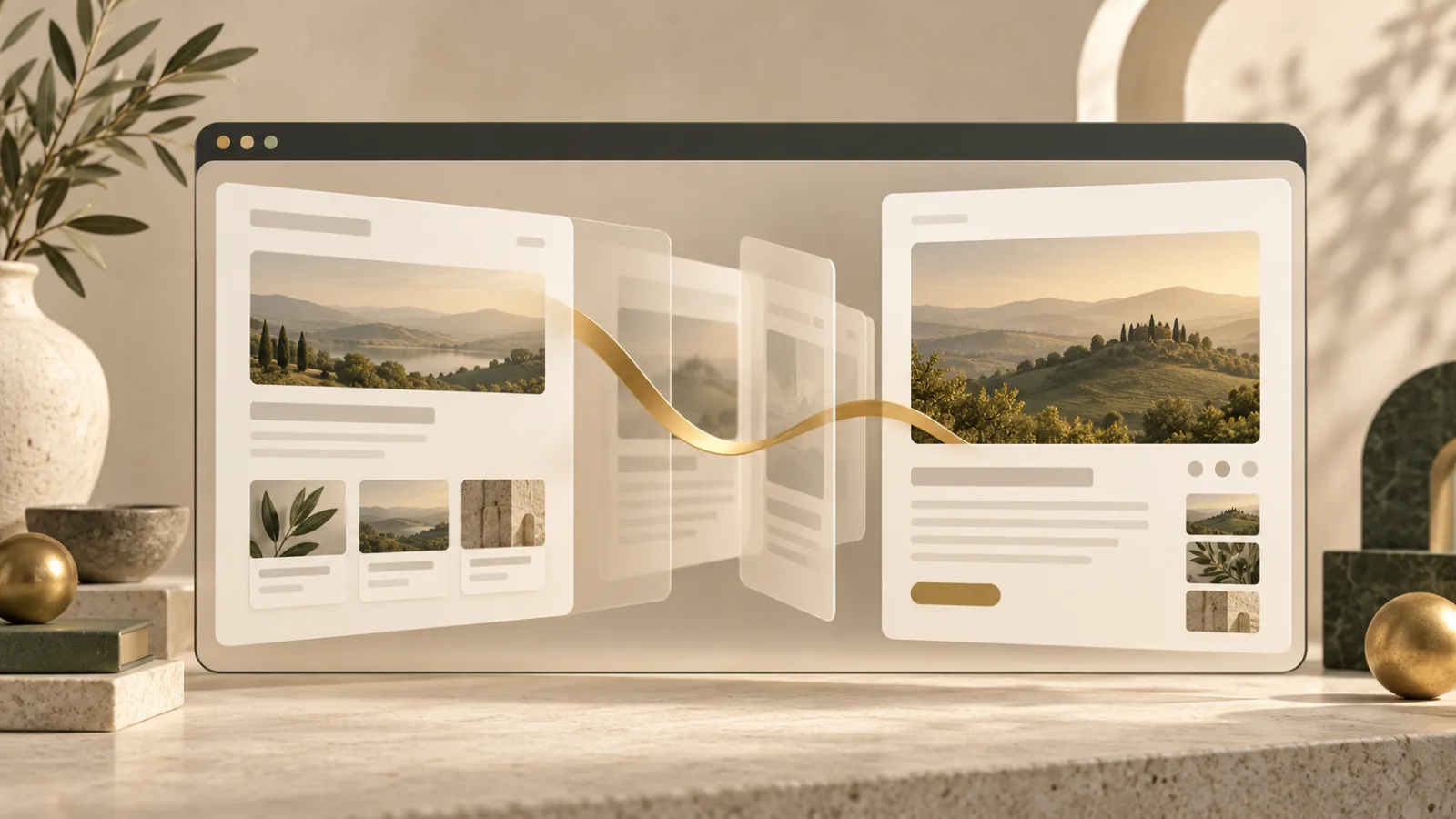
A page can change instantly and still feel disorienting. A product card becomes a detail view, a gallery advances, or a new document loads, yet the eye has to reconstruct where everything went. The View Transition API gives browsers a native way to animate those changes while keeping the underlying document honest.
This is not animation for its own sake. A well-designed transition preserves context. It shows that a thumbnail became a larger image, that a list item opened into a page, or that one route replaced another. Used carefully, the effect can make an interface easier to follow without turning every click into a performance.
How the View Transition API works
Historically, developers built page transitions by keeping the old and new interfaces in the document at the same time. They then positioned both layers, animated them, prevented accidental interaction with the outgoing layer, and removed it at the right moment. That approach can work, but it creates opportunities for duplicated content, confused focus, and awkward announcements from assistive technology.
The View Transition API moves much of that coordination into the browser. For a change inside one document, a site calls document.startViewTransition() and supplies the function that updates the page. The browser captures the old view, runs the update, captures the new view, and animates between them through generated pseudo-elements.
MDN's View Transition API overview covers both same-document transitions in single-page apps and transitions between documents in multi-page sites. The second case uses the @view-transition rule so the outgoing and incoming pages can opt in.
The browser temporarily owns the visual layers
During a transition, the browser creates an overlay containing images of the old and new states. The real new page still exists underneath. CSS pseudo-elements such as ::view-transition-old() and ::view-transition-new() let developers style the snapshots without manually cloning the interface.
By default, the entire page participates as one view. Developers can assign a view-transition-name to a particular element so it appears to move independently. A product image can grow into its detail-page position while the rest of the page crossfades. Names must remain unique in the active document; duplicates can prevent the transition from running.
This mechanism pairs naturally with thoughtful routing. The related Noorani guide to the Navigation API explains how web apps keep routes, history, errors, and the address bar aligned. A visual transition should reinforce that journey, not hide a broken one.
Transitions should survive failure
An animation is never more important than the destination. If the browser does not support the API, the content update still needs to happen. If the update callback rejects, the transition is abandoned. If the animation is skipped, the end state should still become usable.
The returned ViewTransition object exposes promises for key stages. updateCallbackDone resolves after the update finishes, ready resolves when the transition is prepared, and finished resolves when the new view is visible and interactive. Developers can also call skipTransition() when conditions make animation inappropriate. MDN documents these stages in its ViewTransition interface reference.
That separation encourages resilient code. The route or DOM update is the essential work. The transition is a layer on top. A slow request, a missing image, or an unsupported browser should not trap the user between two views.
Motion preferences are a product requirement
Some people experience discomfort, nausea, or loss of focus from large motion effects. Sites should respect the prefers-reduced-motion media query and reduce or remove nonessential animation. A short fade may be suitable where a large zoom or sweeping movement is not.
Duration also matters. A transition that repeatedly delays interaction becomes friction. The best effects are brief and legible: enough movement to explain what changed, but not enough to make the interface feel staged. The design should remain clear when every animation is disabled.
Focus must follow the new content, not the snapshot on screen. Keyboard users should land in a sensible place, headings should remain structured, and screen-reader announcements should describe the new state. Visual continuity cannot replace semantic continuity.
Cross-document transitions need stable pages
Multi-page transitions work across a real navigation. That makes them useful for sites that prefer normal documents over a large client-side application. Both pages opt in, and matching transition names can connect elements across the boundary.
The incoming page still has to render a stable first view. Layout shifts caused by late fonts, unknown image dimensions, or injected banners can weaken the effect. The platform includes <link rel="expect"> for identifying critical content that should be parsed before the initial rendering used by a transition.
Good caching can help the destination appear promptly, but it has separate rules and tradeoffs. Noorani's explanation of browser caching shows why a fast repeat visit does not mean every resource is permanently stored.
A practical design checklist
Start with a normal, accessible state change. Add one transition that explains a meaningful relationship. Test rapid clicks, Back and Forward navigation, failed data loads, reduced-motion settings, keyboard focus, and a browser without support. Confirm that the destination URL and content are correct after a reload.
Avoid animating every component independently. Too many named elements create visual noise and more edge cases. Reserve continuity for the item that matters: the selected image, article card, dialog, or navigation region.
The View Transition API makes sophisticated movement easier, but taste still belongs to the product team. The measure of success is not whether users notice the animation. It is whether they understand the change.
Browse with more intention
Noorani brings prayer times, Qibla, tracker blocking, and privacy into one calm desktop browser built for how Muslims live online.