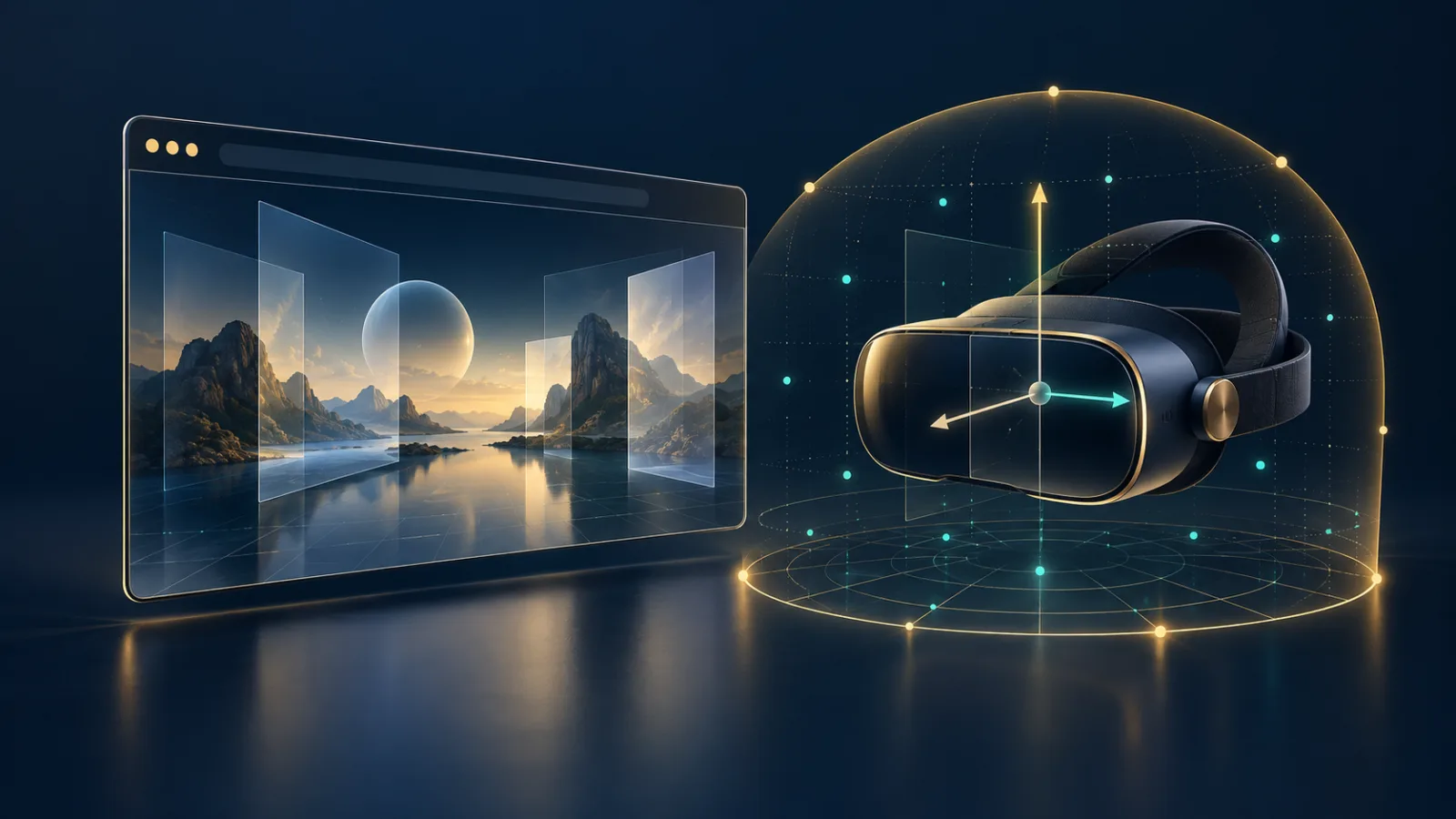
Virtual and augmented reality on the web can feel almost magical: open a page, choose an immersive experience, and a headset begins responding to movement. That apparent simplicity rests on a demanding exchange between the page, the browser, and sensitive hardware. The WebXR Device API makes the exchange possible—but it does not give every website silent access to everything a headset can observe.
WebXR Device API: what immersive sites can sense
The WebXR Device API gives web applications a standard way to present virtual-reality and augmented-reality experiences. An immersive session may need the position and orientation of a headset, the layout of views shown to each eye, and input from tracked controllers. Those signals let a scene respond as you turn your head, step sideways, or point at an object.
This is more sensitive than an ordinary page reading its window size. The W3C WebXR specification explicitly treats poses and some user-configured measurements as sensitive information. High-frequency motion can reveal patterns about how a person moves; view geometry may reflect headset configuration; additional XR modules can introduce information about physical surroundings. A useful immersive experience therefore depends on the browser enforcing a clear boundary.
Inline content is different from an immersive session
WebXR distinguishes between inline sessions and immersive sessions. Inline content lives inside the ordinary page, much like an interactive 3D model. A default inline XR device is deliberately limited: it does not report device pose or tracked XR input beyond what the page could already receive through normal pointer events.
Immersive VR or AR is different. It can take exclusive control of the headset display and needs viewer tracking to render correctly. Starting that mode should represent a deliberate action, not something triggered by an advertisement while a page loads. The browser may require a click or another clear user gesture before an immersive session begins. Spatial reference spaces such as a floor-level or bounded space also carry consent requirements and may be governed by the xr-spatial-tracking Permissions Policy.
Pose data is necessary—and revealing
A pose describes position and orientation in space. Without it, the virtual world would not remain stable when you move. Yet the same precision that prevents discomfort also makes pose data worth protecting. The WebXR specification identifies possible misuse including input inference, gaze-related profiling, and fingerprinting.
Browsers can reduce that risk in several ways. They can report poses only while the session is visible, require demonstrated user intent, and adjust data when doing so will not make the experience uncomfortable. They may also anonymize relationships between views when those values could identify a device or reflect a personal setting such as interpupillary distance. The principle is important: a page should receive enough accuracy to render safely, not an unlimited sensor feed outside the experience the user chose.
Permissions are only part of the picture
WebXR commonly works alongside other capabilities. An AR experience may also request camera access; a social experience may ask for a microphone; a location-based scene may request geolocation. Those permissions remain separate. Starting an XR session is not blanket approval for every nearby sensor.
The practical rule is to read each prompt literally. If a site asks for immersive tracking and then requests a microphone, decide on those requests independently. Check the origin shown in the browser UI, especially when a button appears inside an embedded frame. Our browser permissions guide explains how to review access one capability at a time, while our guide to browser fingerprinting shows why small hardware signals matter when combined.
Safer habits for immersive browsing
- Enter immersive mode only from a site you intended to use, after checking its domain.
- Grant camera, microphone, or location access only when the feature clearly needs it.
- Leave the session when you finish rather than keeping an immersive tab active in the background.
- Review site permissions later and remove access you no longer want.
- Keep the browser and headset software updated so security fixes reach both sides of the connection.
The MDN WebXR permissions overview is a useful technical reference for the layered controls developers must account for. For users, the key signal is simpler: immersive access should feel visible, purposeful, and reversible.
A browser should remain the control surface
WebXR is a compelling example of why browser design matters. The page supplies the experience, but the browser should mediate entry, display the requesting origin, enforce permission policy, and stop sensitive updates when the session is hidden. If an XR site also wants to share your screen, treat that as another distinct decision; our screen-sharing privacy guide explains what to verify before choosing a window or display.
Noorani’s approach is to keep powerful web features inside a calm, understandable browsing environment. Tracker blocking helps reduce routine cross-site observation, while prayer times, Qibla, Hijri tools, and offline Quran access remain close at hand without turning your desktop into a stream of distractions. Immersive technology can be extraordinary; your consent should remain ordinary, clear, and under your control.
Browse with more intention
Noorani brings prayer times, Qibla, tracker blocking, and privacy into one calm desktop browser built for how Muslims live online.