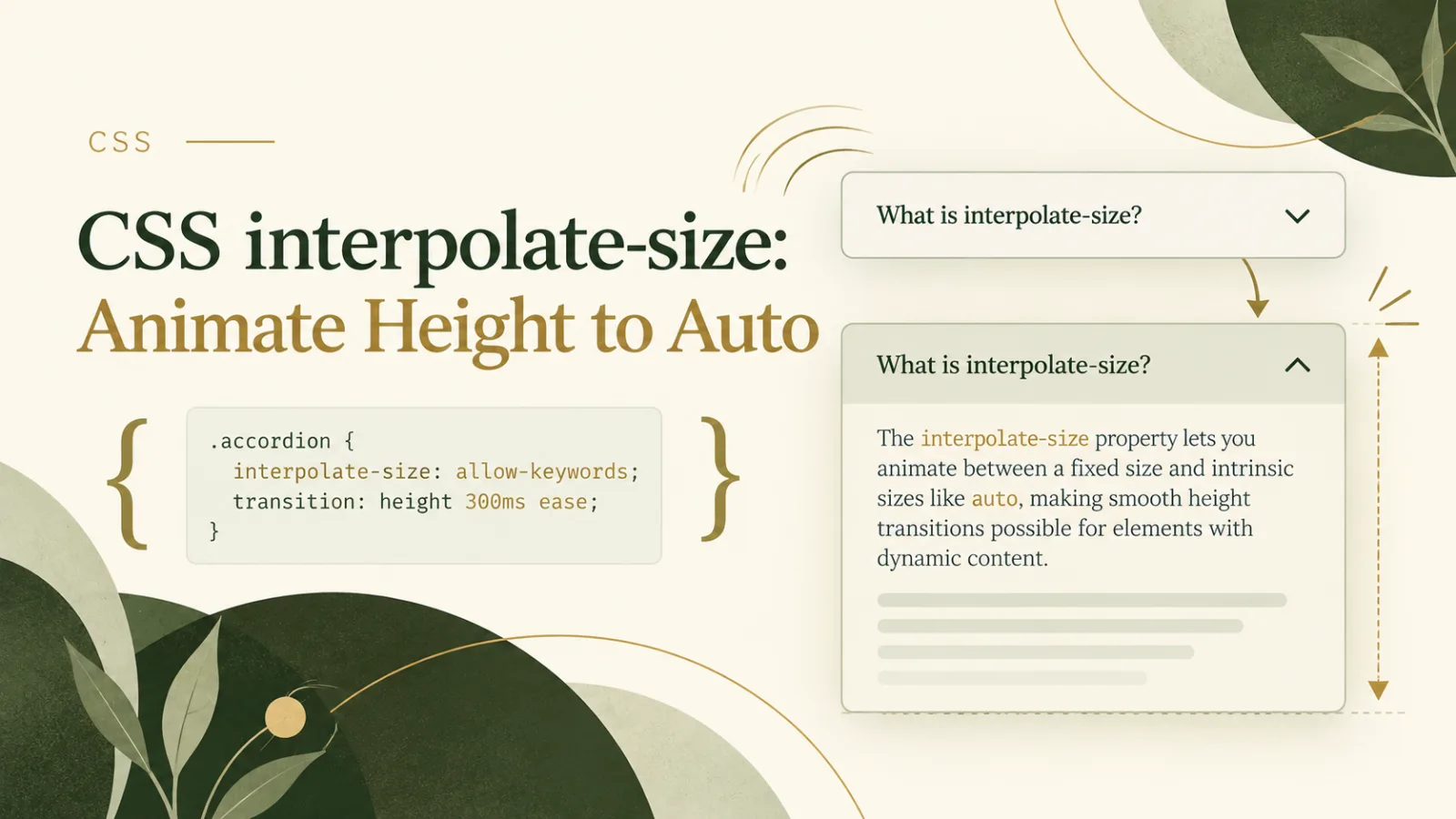
Animating an element from a fixed size to height: auto has frustrated front-end developers for years. Browsers could smoothly interpolate between two numbers, but auto is an intrinsic sizing keyword whose final value depends on the content. That mismatch led to workarounds involving oversized max-height values, JavaScript measurements, or transforms that looked smooth while leaving layout unchanged. The CSS interpolate-size property offers a cleaner path: it lets supported browsers animate between a numeric length and an intrinsic size such as auto.
What interpolate-size changes
By default, intrinsic sizing keywords are not interpolated. Adding interpolate-size: allow-keywords tells the browser that transitions involving an intrinsic keyword may be calculated. The property is inherited, so you can opt in at the document level and allow components throughout a site to benefit.
:root {
  interpolate-size: allow-keywords;
}

.answer {
  height: 0;
  overflow: clip;
  transition: height 300ms ease;
}

.faq-item[open] .answer {
  height: auto;
}
The browser can now resolve the intrinsic endpoint and create intermediate values for the animation. This is particularly useful for accordions, expandable navigation, disclosure panels, filter groups, and cards whose content varies. The feature belongs to the broader work on intrinsic size interpolation in the CSS Values and Units Level 5 specification.
Why the old max-height trick is imperfect
A common workaround sets max-height: 0 in the closed state and transitions to an arbitrary large value such as max-height: 1000px. It works, but the timing rarely matches the visible content. A 200-pixel panel may finish expanding early while the transition continues invisibly toward 1000 pixels. Collapsing can feel delayed for the same reason. Large guesses can also become wrong when content changes or translations make text longer.
JavaScript measurement is more accurate, but it adds resize observers, inline styles, and lifecycle handling. For many components, allowing CSS to interpolate intrinsic size removes that bookkeeping and keeps presentation behavior in the stylesheet.
A practical accordion pattern
The most robust starting point is progressive enhancement. Keep the content usable without animation, then apply the transition only where the feature is supported.
@supports (interpolate-size: allow-keywords) {
  :root {
    interpolate-size: allow-keywords;
  }

  .panel-content {
    height: 0;
    overflow: clip;
    transition: height 280ms ease;
  }

  .panel.is-open .panel-content {
    height: auto;
  }
}
If the component is built with the native <details> element, remember that the element's semantics, keyboard behavior, and open state already provide a strong foundation. Your CSS should enhance that behavior, not replace it. For other entry effects, see our guide to CSS @starting-style entry animations.
Use calc-size() for more control
interpolate-size is the convenient opt-in, while calc-size() is designed for calculations involving intrinsic sizes. It can be helpful when an endpoint needs an adjustment rather than the exact intrinsic value. The newer syntax is worth watching as implementation matures, but most expandable-interface cases can begin with allow-keywords and a conventional transition.
Chrome's official guide to animating to and from intrinsic sizing keywords includes current examples and implementation notes. Because support evolves, test the browsers that matter to your audience and treat the effect as an enhancement rather than a requirement.
Accessibility still matters
Smooth motion does not make an accordion accessible by itself. The control must be a real button or a native summary, expose its expanded state, and remain operable from the keyboard. Focus should stay predictable when a panel opens or closes. Content hidden visually should not remain accidentally reachable in a confusing order.
Respect the user's motion preference as well:
@media (prefers-reduced-motion: reduce) {
  .panel-content {
    transition: none;
  }
}
For layouts that adapt based on available component space, pair this technique thoughtfully with CSS container queries. If an animation is tied to scrolling rather than a click, our overview of CSS scroll-driven animations explains the different model.
Performance and debugging tips
Animating height can trigger layout on each frame because surrounding content must move. That is expected and often acceptable for a small disclosure component, but avoid expanding dozens of complex panels simultaneously. Keep the animated subtree reasonably simple, test on lower-powered devices, and prefer transforms when the surrounding layout does not need to react.
- Apply the opt-in at a sensible scope, such as
:rootor a component wrapper. - Use
overflow: cliporhiddenwhile the closed height is zero. - Do not hard-code an intrinsic endpoint with a guessed pixel value.
- Test dynamic content, translated text, zoom, and responsive widths.
- Disable nonessential motion when
prefers-reduced-motionis active.
A smaller, more honest animation
The value of interpolate-size is not merely shorter code. It lets the browser animate toward the size the content actually needs. Components become easier to maintain, text can change without recalculating numbers, and the motion better reflects the final layout. Used as progressive enhancement, it turns a long-standing CSS limitation into a straightforward design tool while preserving a reliable experience for every visitor.
Browse with calm, clarity, and purpose
Download Noorani Browser for a focused browsing experience with thoughtful privacy tools and useful everyday features.