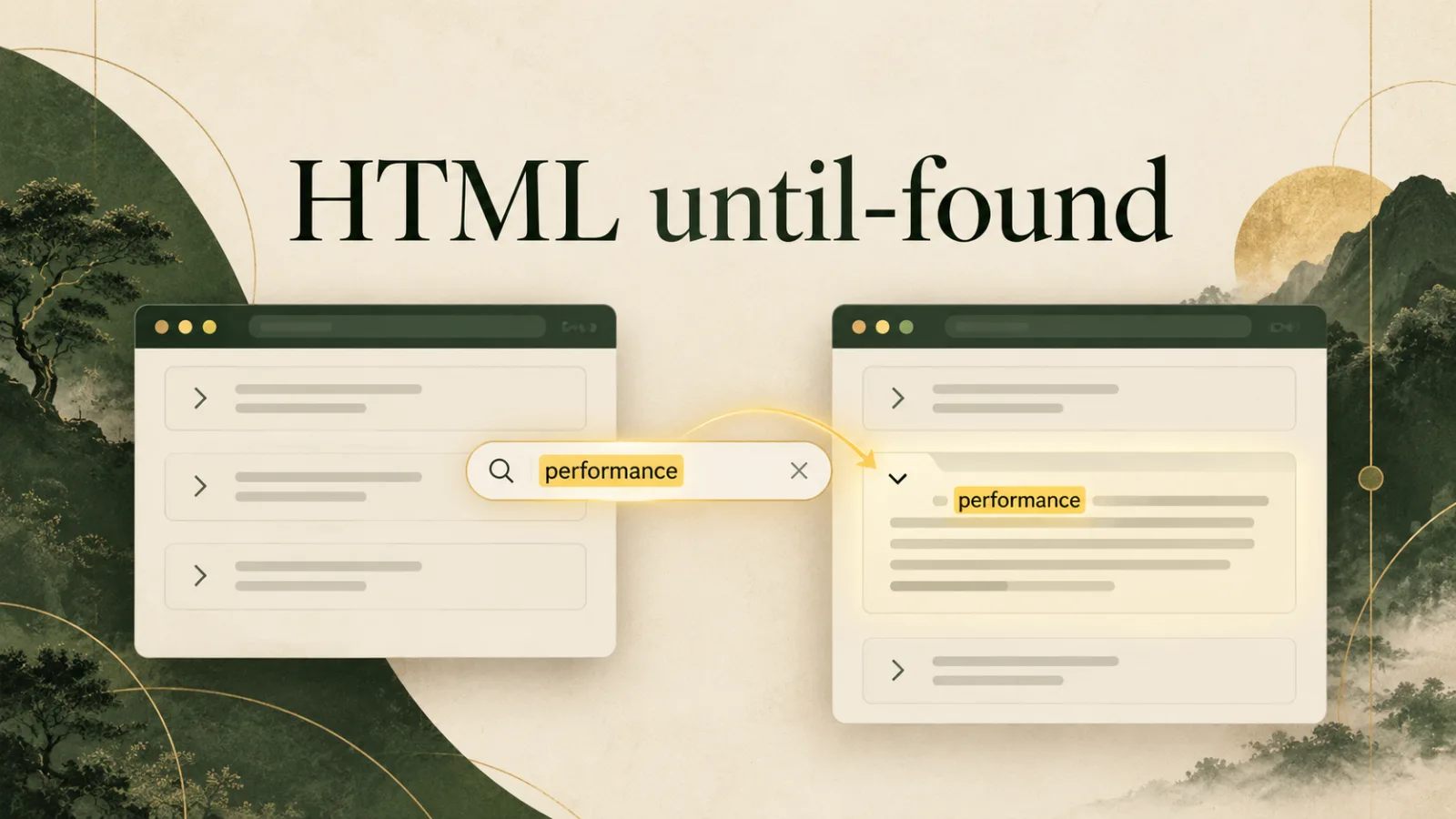
Collapsible sections make long pages easier to scan, but they create a frustrating problem: information inside them may not appear when a visitor uses the browser's Find command or follows a text fragment. HTML hidden="until-found" bridges that gap. It keeps a section visually collapsed while allowing the browser to reveal it when built-in search or fragment navigation finds a match.
This is a useful platform feature because it respects familiar browser tools, keeps content in the document, and can reduce custom JavaScript. This guide explains the behavior, the beforematch event, accessibility considerations, and progressive enhancement.
How until-found differs from hidden
The ordinary boolean hidden attribute says an element is not currently relevant and should not be rendered. Its content is generally unavailable to Find in page. The special keyword changes that relationship:
<section hidden="until-found">
  <h2>Performance details</h2>
  <p>This text can be discovered by browser search.</p>
</section>
The section stays collapsed during ordinary reading. When the browser locates matching text inside it, the user agent removes the hidden state and scrolls to the match. Authors can listen for beforematch immediately before the reveal.
Why browser-level discovery matters
People use Ctrl+F or Command+F because it is fast, familiar, and independent of a site's interface. On documentation pages, policies, help centers, and long guides, collapsed content should not become invisible to that workflow. A page can look organized without making visitors guess which accordion contains the phrase they need.
This resembles the focus discipline in our guide to the HTML inert attribute: native semantics communicate intent to the browser, which can coordinate interaction more reliably than disconnected scripts.
Working with beforematch
Sometimes the hidden section sits inside a component with its own expanded state, icon, or label. The browser can reveal the target while a small handler synchronizes the surrounding UI.
const panel = document.querySelector('[hidden="until-found"]');
panel.addEventListener('beforematch', () => {
  panel.closest('.disclosure')?.classList.add('is-open');
});
Keep the handler modest. Do not cancel the reveal or move focus unexpectedly. Its purpose is to align presentation with the native state change. Event delegation can serve multiple panels.
Layout behavior deserves testing
Until-found elements use rendering behavior related to content visibility rather than acting exactly like display: none. Their boxes can still participate in layout even while descendants are skipped. This enables discovery, but margins, borders, sizing, and nested layouts need testing.
A wrapper often works best. Put decoration on the surrounding disclosure component and reserve the until-found attribute for the content panel. Avoid designs that require the hidden panel to disappear from every layout calculation.
A practical disclosure pattern
<article class="disclosure">
 <button aria-expanded="false" aria-controls="details">Performance details</button>
 <section id="details" hidden="until-found">
  <p>Detailed measurements and explanations…</p>
 </section>
</article>
When the button is activated, script can remove the attribute and set aria-expanded="true". If browser search finds the text first, beforematch updates the button state. That keeps visual, DOM, and accessibility information aligned.
Accessibility considerations
Collapsed content needs a clear control when users are expected to reveal it manually. Give the button an accessible name, connect it with aria-controls, and accurately maintain aria-expanded. Do not move keyboard focus when a match is revealed; the browser is already managing navigation.
- Use logical headings inside revealed sections.
- Keep the reveal control keyboard operable.
- Update expanded state when
beforematchfires. - Test screen-reader reading order after reveal.
- Avoid hiding essential instructions by default.
For server-rendered components, Declarative Shadow DOM can complement native disclosure. Meaningful HTML arrives before client-side code and remains easier to reason about.
Search, fragments, and navigation
The feature can also help when a URL targets content with a fragment. Keep IDs stable and descriptive, and confirm that sticky headers do not cover the revealed heading. CSS scroll-margin-top can provide breathing room.
Do not confuse this with page lifecycle visibility. The Page Visibility API reports whether an entire document is visible, while until-found controls a particular element that is collapsed yet discoverable.
Progressive enhancement
Support is not universal, so the baseline must remain coherent. A browser that does not understand the keyword may treat it like normal hidden content. If searchability is critical, leave sections open by default and apply the collapsed state only after detecting support.
const probe = document.createElement('div');
probe.setAttribute('hidden', 'until-found');
if (probe.hidden === 'until-found') {
 document.documentElement.classList.add('supports-until-found');
}
Feature detection should lead to a usable outcome. Test no-script behavior, direct links, printing, copied text, high zoom, and narrow screens as well as the interactive path.
Standards and reference material
The normative behavior appears in the WHATWG HTML specification. The MDN hidden attribute reference provides practical syntax notes and compatibility information.
Better disclosure without blocking discovery
hidden="until-found" gives authors a thoughtful middle ground: content can remain visually quiet without becoming unreachable to familiar browser tools. Used with clear controls, synchronized states, stable fragments, and a dependable fallback, it makes long pages easier to scan and easier to search.
Browse with calm, clarity, and purpose
Download Noorani Browser for a focused browsing experience with thoughtful privacy tools and useful everyday features.